How Do I Compare Campground Management Software Features?
Share:


Discover how to compare campground management software features effectively, gain insights to optimize operations, and choose the best solution—boost efficiency today!.
Summarize in


How Do I Compare Campground Management Software Features?
Choosing the right campground management software can feel like trying to find a needle in a haystack. With so many options, each boasting unique features and promises, it’s easy to get overwhelmed. But here’s the good news: breaking down the comparison process into clear, manageable steps makes it not only doable but actually enjoyable. Ready to find the perfect software that fits your campground’s unique needs? Let’s dive in!
Start with Your Campground’s Needs
Before diving into feature lists and pricing tiers, take a moment to reflect on what your campground truly needs. Are you managing a small, family-run site with a handful of spots, or a sprawling park with hundreds of reservations? The size and complexity of your operation will heavily influence which software is a good fit. For instance, a smaller campground may prioritize straightforward reservation management and customer communication, while a larger facility might require more robust reporting tools and integration with third-party services.
Think about your daily pain points. Is it handling reservations efficiently? Managing seasonal passes? Streamlining check-ins and check-outs? Or maybe you want to boost your marketing efforts through integrated email campaigns and promotions. Jot down your must-haves and nice-to-haves. This list will be your north star during the comparison process. Additionally, consider how your needs might evolve over time. As your campground grows or changes, having a flexible software solution that can adapt to new requirements will save you from needing to switch systems down the line.
Consider Your Team’s Tech Comfort Level
Not every campground manager or staff member is a tech wizard, and that’s perfectly fine. Some software options are designed with simplicity in mind, featuring intuitive interfaces and easy onboarding. Others might offer advanced customization but come with a steeper learning curve. Knowing your team’s comfort level with technology helps you avoid frustration down the line. It’s also beneficial to involve your staff in the selection process; their insights can provide valuable perspectives on what features would genuinely enhance their day-to-day tasks.
Moreover, consider the availability of training resources and customer support for the software you’re evaluating. A solution that offers comprehensive training materials, tutorials, and responsive customer service can significantly ease the transition for your team. Look for platforms that provide ongoing support, as this can be crucial when unexpected challenges arise. This way, your staff can feel confident and empowered to utilize the software to its fullest potential, ultimately leading to a more efficient and enjoyable experience for both your team and your guests.
Key Features to Look For in Campground Management Software
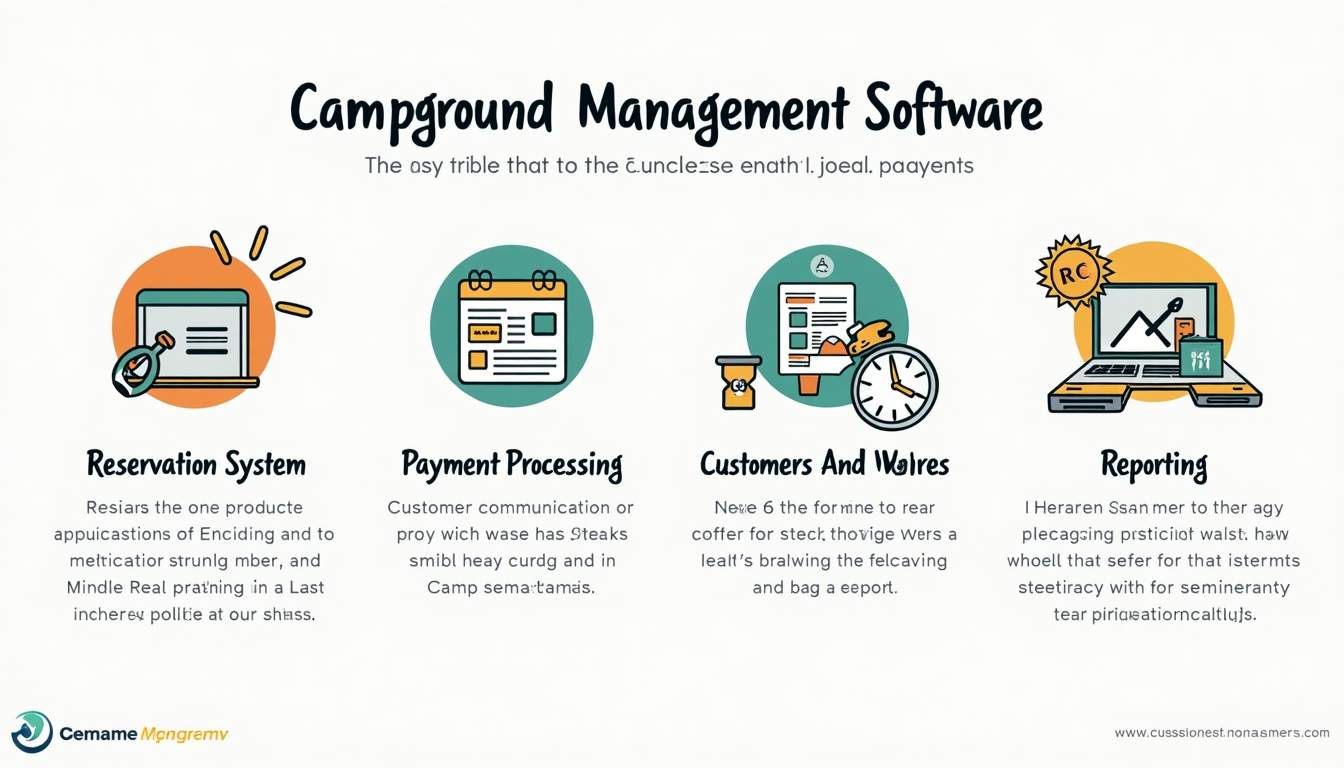
Once you have a clear picture of your needs, it’s time to dig into the features. Here are the crucial ones that can make or break your experience:
Reservation and Booking System
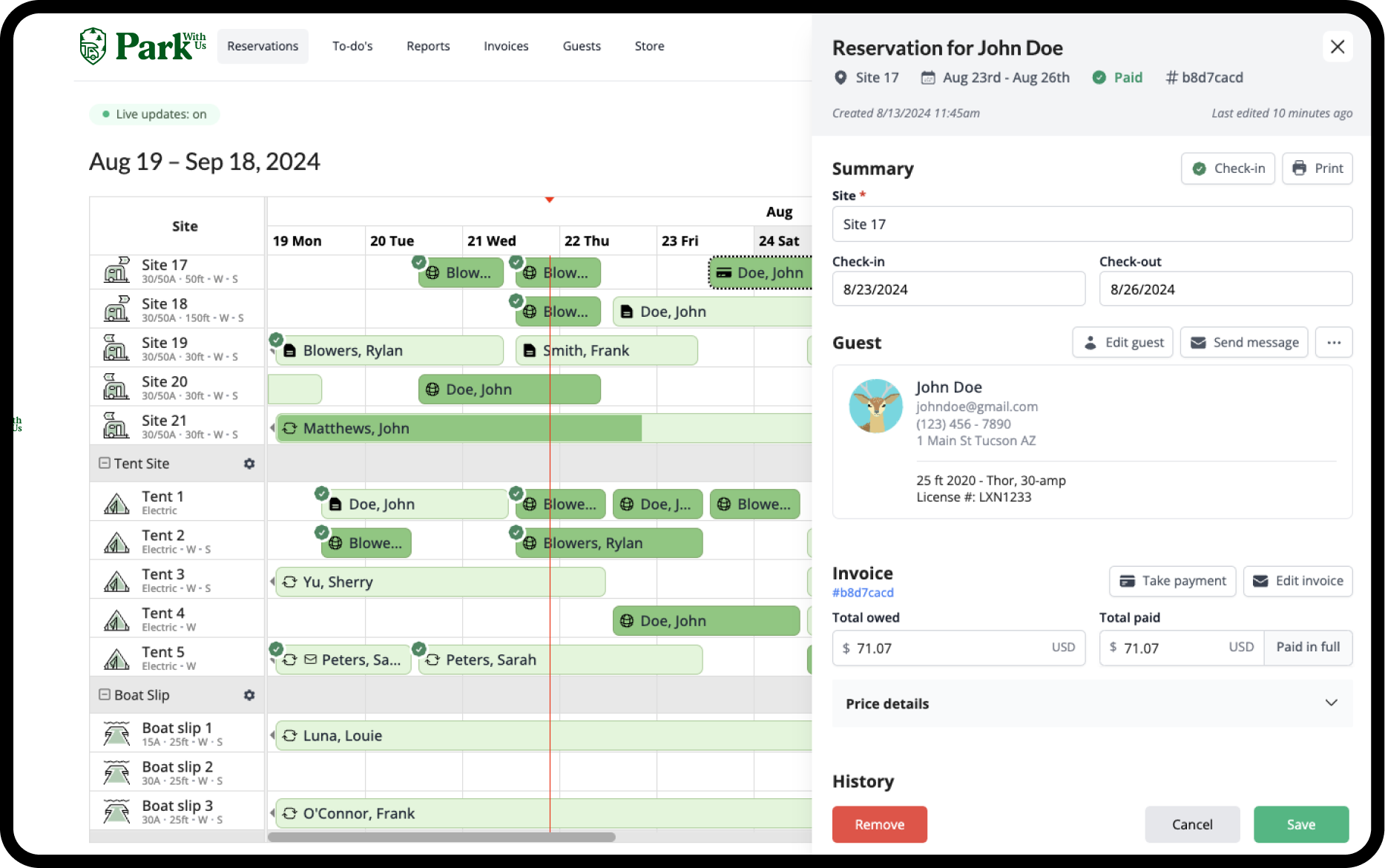
This is the heart of any campground software. Look for a system that offers real-time availability updates, easy online booking for guests, and flexible options for different types of sites-tent spots, RV hookups, cabins, or group areas. Some platforms even allow guests to select specific spots on a map, which can be a major plus.
Also, check if the software supports multiple booking channels. Can you manage reservations from your website, phone, walk-ins, and third-party platforms all in one place? Centralizing bookings saves time and reduces double-booking errors. Additionally, consider whether the software can handle group bookings efficiently, as this can be a significant draw for family reunions, school trips, or corporate retreats. A seamless booking experience for large parties can enhance your campground's reputation and lead to repeat business.
Payment Processing and Financial Management
Handling payments smoothly is essential for guest satisfaction and your cash flow. Look for software that integrates with popular payment gateways and supports various payment methods-credit cards, debit cards, mobile payments, and even offline payments if needed.
Additionally, consider features like automated invoicing, deposit handling, refunds, and tax calculations. Some platforms offer detailed financial reporting, helping you keep an eye on revenue trends and outstanding balances without extra bookkeeping headaches. It’s also beneficial if the software can manage different pricing structures, such as peak and off-peak rates, or offer discounts for extended stays or early bookings. This flexibility can help you maximize revenue while providing value to your guests.
Guest Communication Tools
Keeping guests informed and engaged before, during, and after their stay can turn one-time visitors into loyal campers. Look for software that offers automated email confirmations, reminders, and follow-ups. Bonus points if it allows you to send personalized messages or promotions based on guest preferences or booking history.
Some systems also include SMS notifications, which have a higher open rate than emails and can be great for last-minute updates or special offers. Consider whether the software allows for easy communication through various channels, such as social media or in-app messaging, to cater to the preferences of different guests. Engaging with your visitors through their preferred platforms can enhance their experience and encourage them to share their positive experiences online.
Site and Inventory Management
Managing your campground’s physical layout and inventory is a big part of the job. The software should let you easily configure site types, sizes, and amenities. It should also track availability in real time, so you always know which spots are open, occupied, or under maintenance.
Extra features like waitlist management, seasonal site assignments, and group bookings can be lifesavers during busy seasons. Furthermore, consider whether the software can help you manage inventory for rental items, such as bikes, kayaks, or firewood. Being able to track these items alongside your site availability can streamline operations and enhance guest satisfaction by ensuring that popular amenities are always available when needed.
Reporting and Analytics
Data-driven decisions help your campground thrive. Look for software that provides clear, customizable reports on occupancy rates, revenue, guest demographics, and booking trends. These insights can guide marketing efforts, staffing schedules, and even pricing strategies.
Some platforms offer dashboards with visual charts and graphs, making it easier to spot patterns at a glance. Additionally, consider whether the software can provide benchmarking data against industry standards, allowing you to see how your campground stacks up against competitors. This kind of analysis can help you identify areas for improvement and capitalize on your strengths.
Integration with Other Tools
Running a campground involves more than just bookings. You might use accounting software, marketing platforms, or customer relationship management (CRM) tools. Check if the campground software can integrate with the tools you already use-or plan to use-to streamline your workflow.
APIs, Zapier connections, or built-in integrations can save you hours of manual data entry. Furthermore, consider the potential for integration with social media platforms for marketing purposes. Being able to automate social media posts or track engagement metrics directly from your campground management software can enhance your marketing strategy and help you reach a broader audience with minimal effort.
Usability and Support: Don’t Overlook These
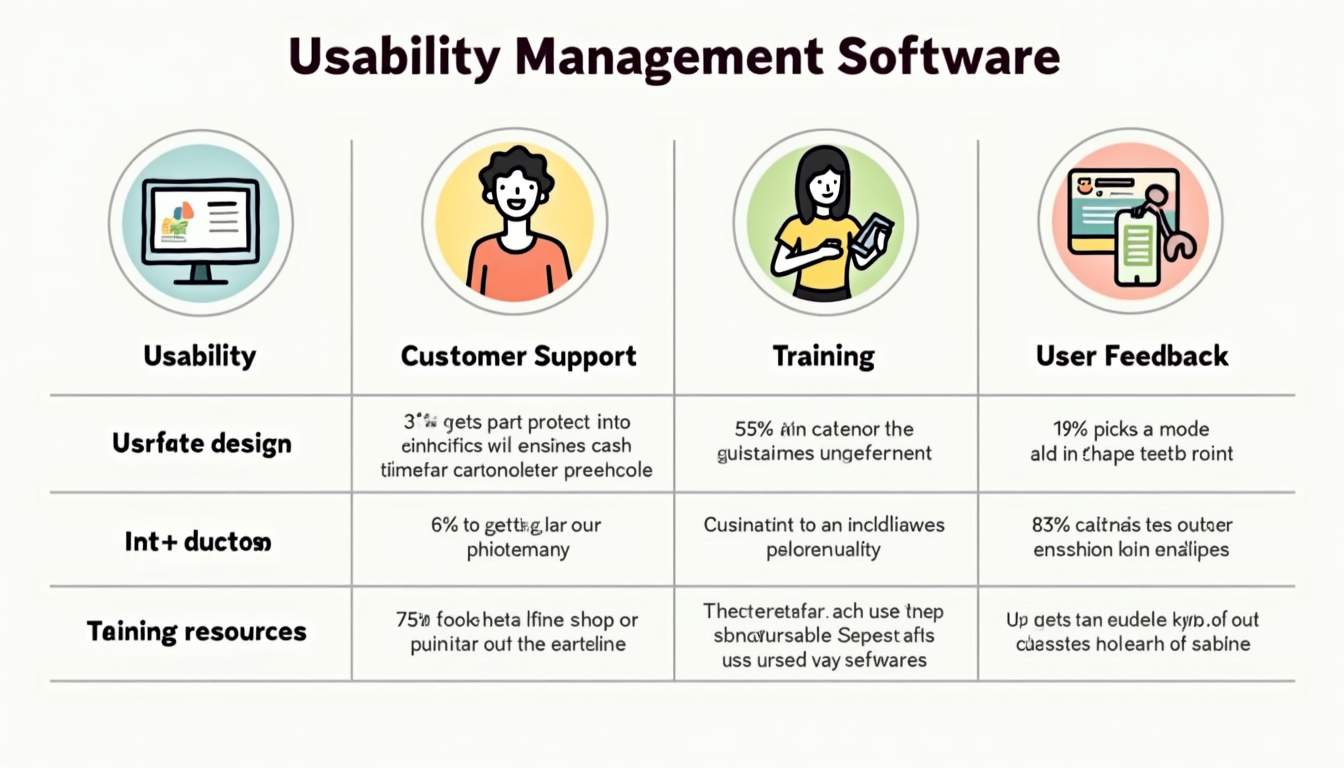
Even the most feature-packed software can fall flat if it’s hard to use or lacks reliable support. Here’s what to keep in mind:
User Interface and Experience
Spend some time exploring demos or trial versions. Is the interface clean and intuitive? Can you easily navigate between booking calendars, guest profiles, and financial reports? A cluttered or confusing dashboard can slow down your team and lead to mistakes.
Remember, your staff will be using this software daily, so their feedback is invaluable during the evaluation phase.
Customer Support and Training
When technical issues arise, you want help fast. Look for software providers that offer multiple support channels-phone, email, live chat-and have a reputation for responsive, knowledgeable assistance.
Also, check if they provide onboarding help, training materials, or webinars. Good training resources can shorten the learning curve and empower your team to use the software effectively.
Pricing: More Than Just the Bottom Line
Price is always a factor, but it shouldn’t be the only one. Some software charges a flat monthly fee, while others take a percentage of bookings or charge per site managed. Understand the pricing structure thoroughly to avoid surprises.
Consider what’s included in the price. Are features like payment processing, customer support, or software updates part of the package, or do they cost extra? Sometimes paying a bit more upfront saves money and headaches later.
Also, think about scalability. Will the software grow with your campground? If you plan to expand or add new services, make sure the pricing remains reasonable as you scale.
Real-Life Examples: What Campground Managers Are Saying
Hearing from people who’ve walked this path can be incredibly helpful. Many campground managers highlight the importance of a robust reservation system combined with excellent guest communication tools. For example, one park owner shared how switching to software with automated email reminders reduced no-shows by 20%, freeing up more spots for last-minute bookings.
Another manager praised software that allowed guests to book specific sites via an interactive map, which boosted customer satisfaction and reduced phone inquiries significantly.
These stories underscore the value of features that directly impact guest experience and operational efficiency.
Testing and Making the Final Decision
After narrowing down your options, take advantage of free trials or demos. Use this time to test the software with real data, simulate bookings, and involve your staff. Their hands-on experience will reveal usability issues or missing features you might not have noticed otherwise.
Don’t hesitate to ask the provider questions about customization options, data security, and future updates. A transparent, communicative vendor is often a sign of a trustworthy partnership.
Once you find the software that ticks your boxes, make the leap. Remember, the right campground management software isn’t just a tool-it’s a partner that helps your business run smoother and your guests enjoy their stay even more.
Wrapping It Up
Comparing campground management software might seem daunting, but it’s all about focusing on what matters most to your campground and your guests. Start with your needs, prioritize key features like reservations, payments, and communication, and don’t forget to consider usability and support. Pricing is important, but so is value and scalability.
By taking a thoughtful, step-by-step approach, you’ll find a solution that feels like it was made just for your campground. Here’s to smoother operations and happier campers!
Ready to take the hassle out of campground management and elevate your guest experience? Book a demo with Park With Us today and see firsthand how our friendly and intuitive platform can transform your operations. From drag-and-drop reservation management to automated guest messaging, Park With Us is designed with you in mind—simple, efficient, and supportive. Discover the difference a modern system can make for your campground, RV park, or glamping resort. Let's make your business thrive together!
FAQ
Related Stories